CREATOR LEARNING COMMUNITY
Shoot with purpose. Edit with confidence. Tell stronger visual stories.
I’m building Scene to Story to help you shoot, edit and tell stronger visual stories with the camera you already use. Whether that’s a phone, a professional camera or both.
Join the founding interest listInterest only. No payment, date or place is confirmed.
PRACTICAL BY DESIGN
See what the teaching looks like.
Three simple examples show how Scene to Story turns creative choices into a clear process.
Teaching examples. Not learner results.
FROM GUESSING TO INTENTION
You already have the tools. The hard part is knowing what to do next.
The goal is not to copy someone else’s style. It is to understand your choices and make the work feel like yours.
SEE HOW THE METHOD WORKS
One choice at a time.
Spot the problem. Change one thing. Compare the result. Then finish the file so you can use it.
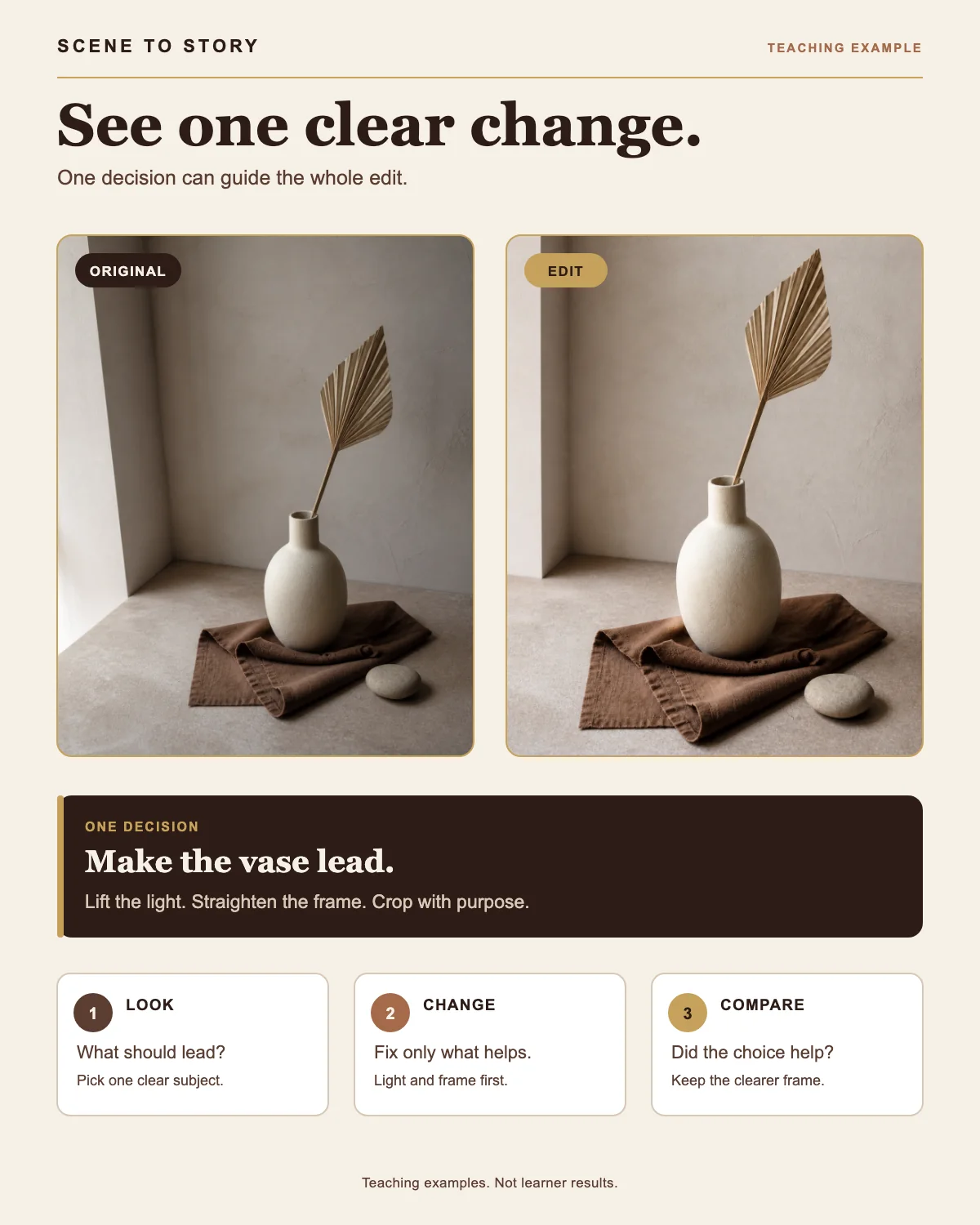
ONE CLEAR CHANGE
Change the light and crop so the subject stands out first.
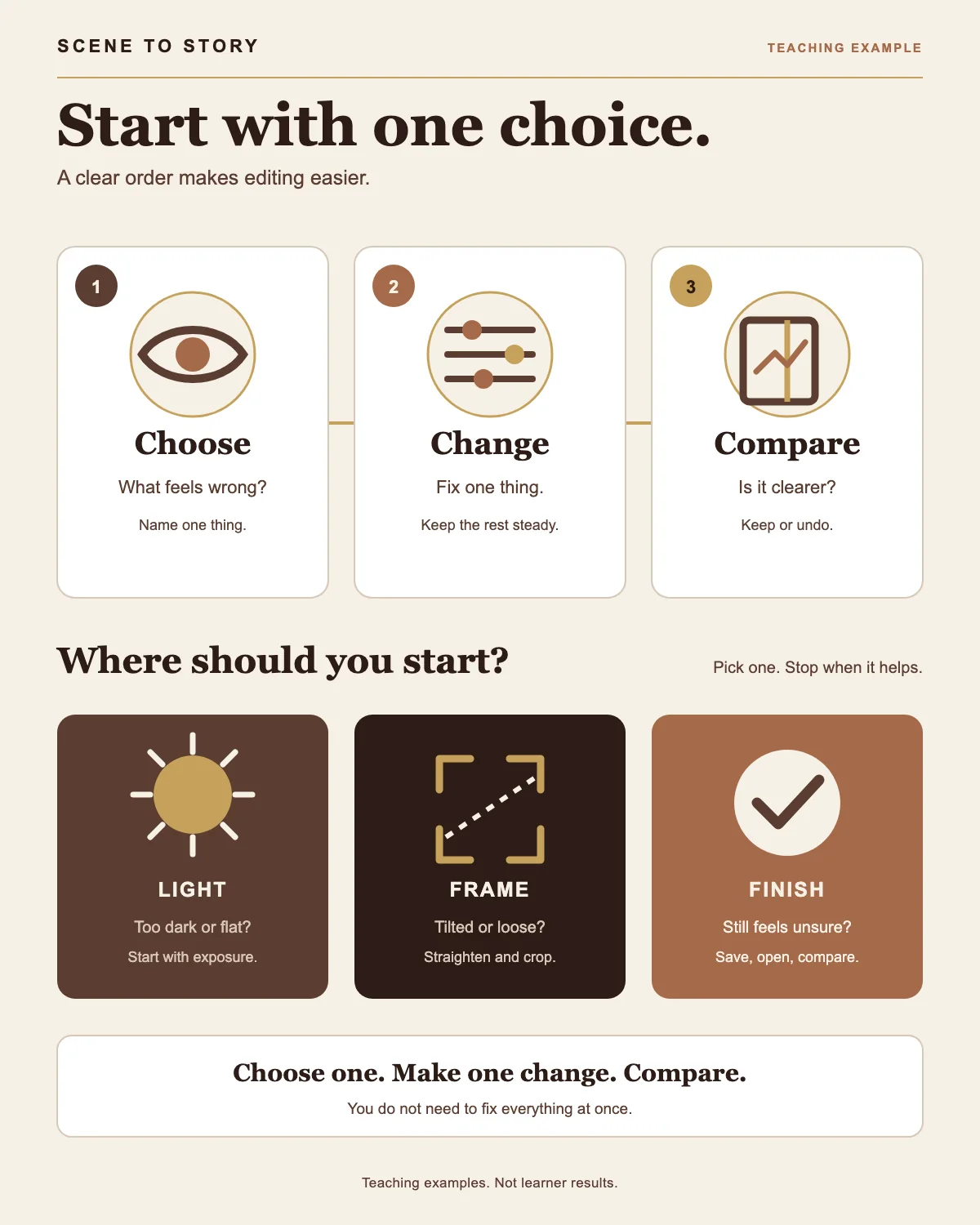
CHOOSE. CHANGE. COMPARE.
Spot the problem. Change one thing. Compare whether it is clearer.
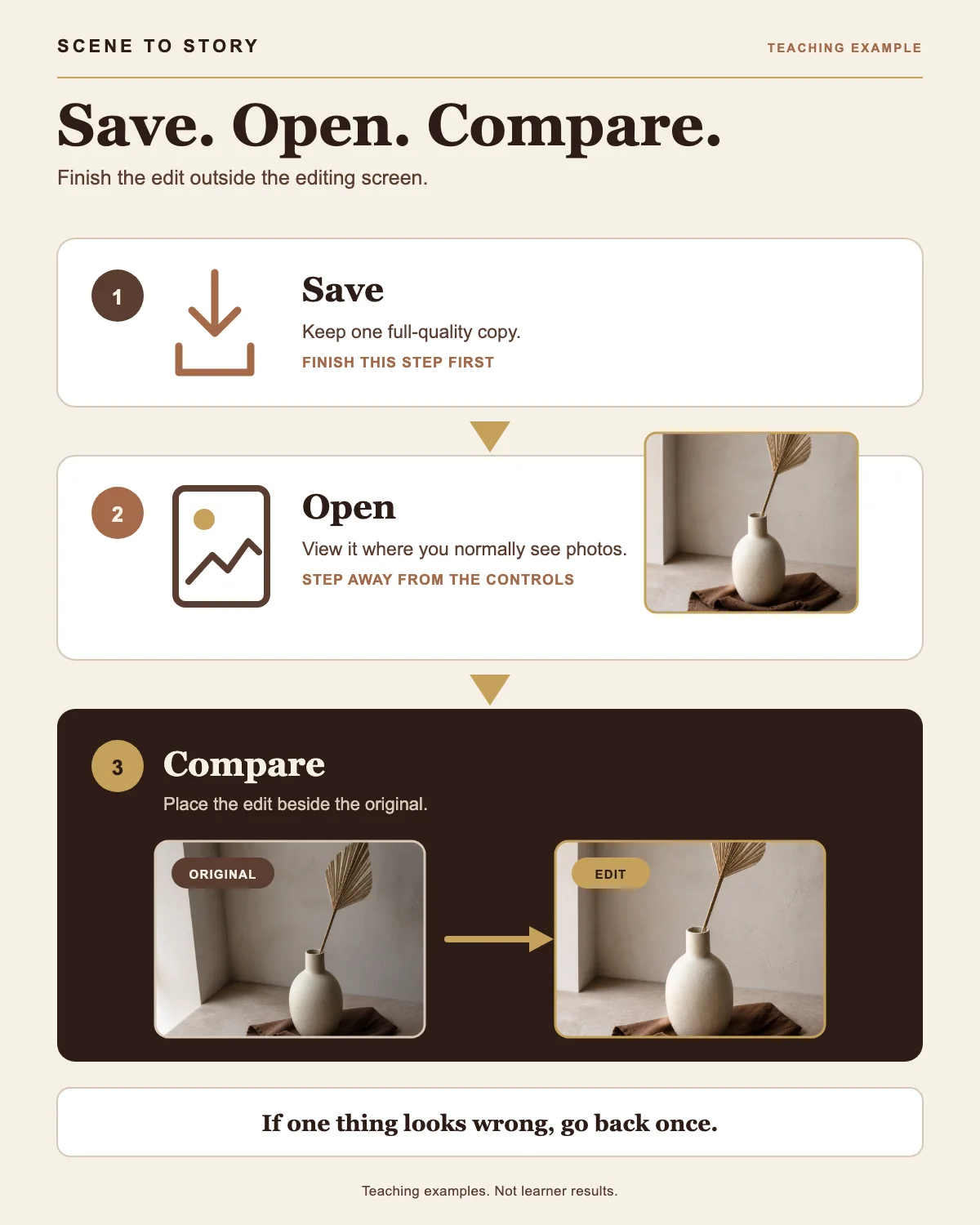
EXPORT. OPEN. COMPARE.
Finish the edit, open it outside the app and check it against the original.
PRACTICAL CURRICULUM
What I’ve already taught.
These are practical decisions I’ve covered in previous creator sessions:
- Read the direction of light before you shoot.
- Crop and straighten with a clear purpose.
- Choose what to change, then compare the result.
- Export the finished file, open it and check it outside the editing app.
This shows the teaching topics, not learner outcomes.
BUILT AROUND PRACTICE
Practical teaching, in a real room.
I’ve already taught creators in Dubai to work through light, framing and editing with the tools in their hands. I’m designing Scene to Story around that same practical approach.
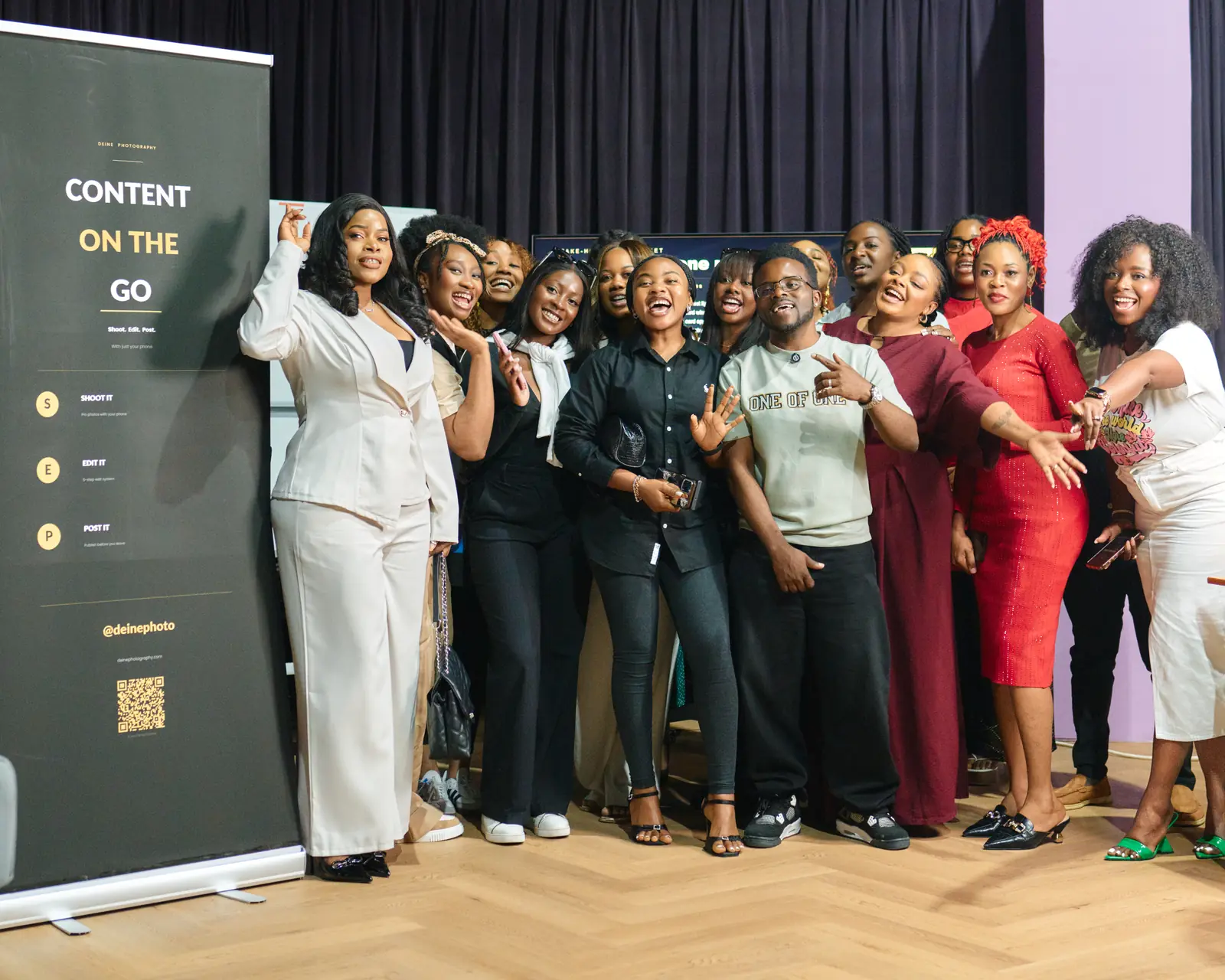
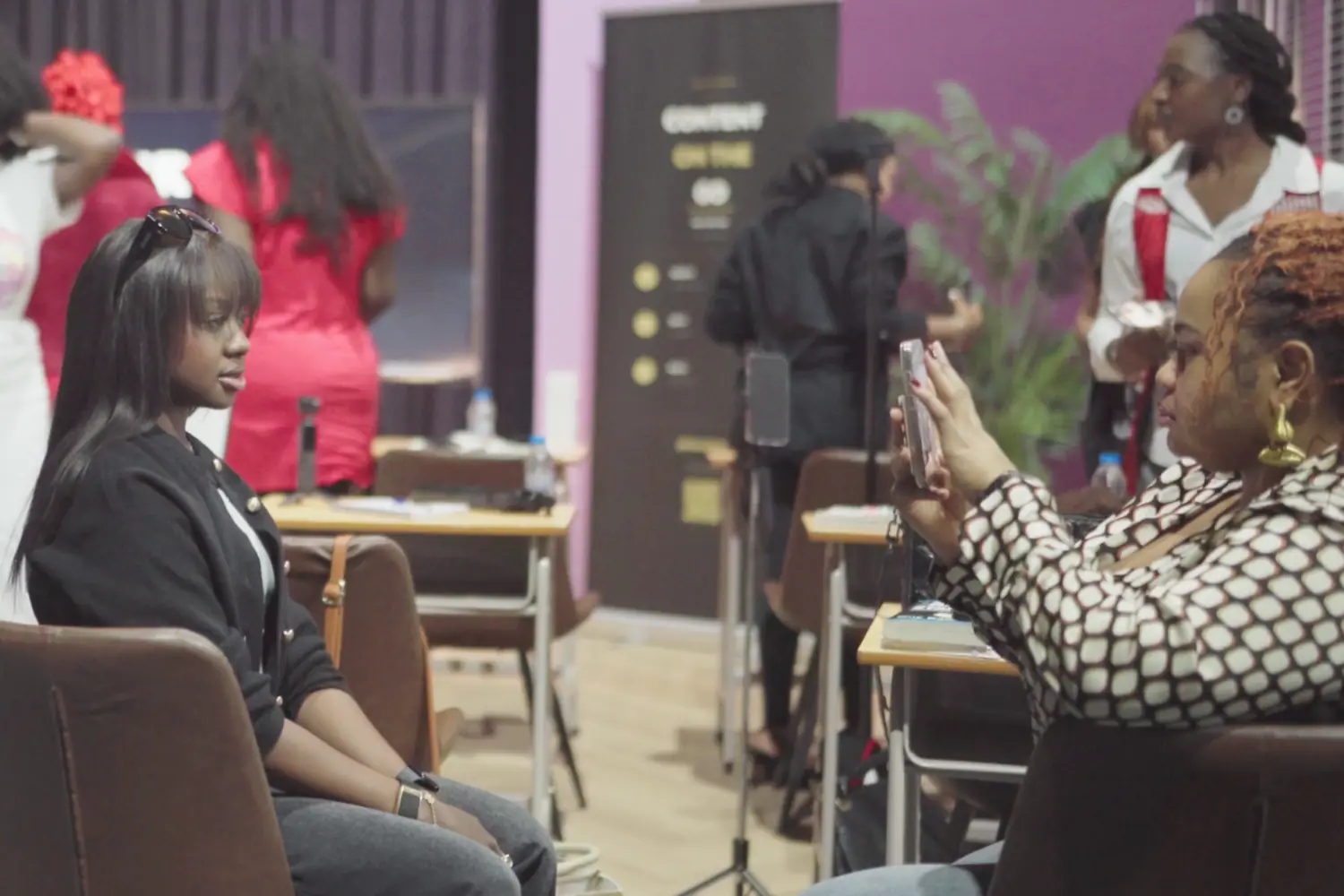
Workshop documentation. Not testimonials or learner results.
A SIMPLE PROCESS
Shoot. Edit. Tell.
Choose what matters before you press the button.
Work through light, frame and finish in a clear order.
Shape the final image or video around one clear point of view.
YOUR GUIDE
I’ll guide the choices. You’ll make the work yours.
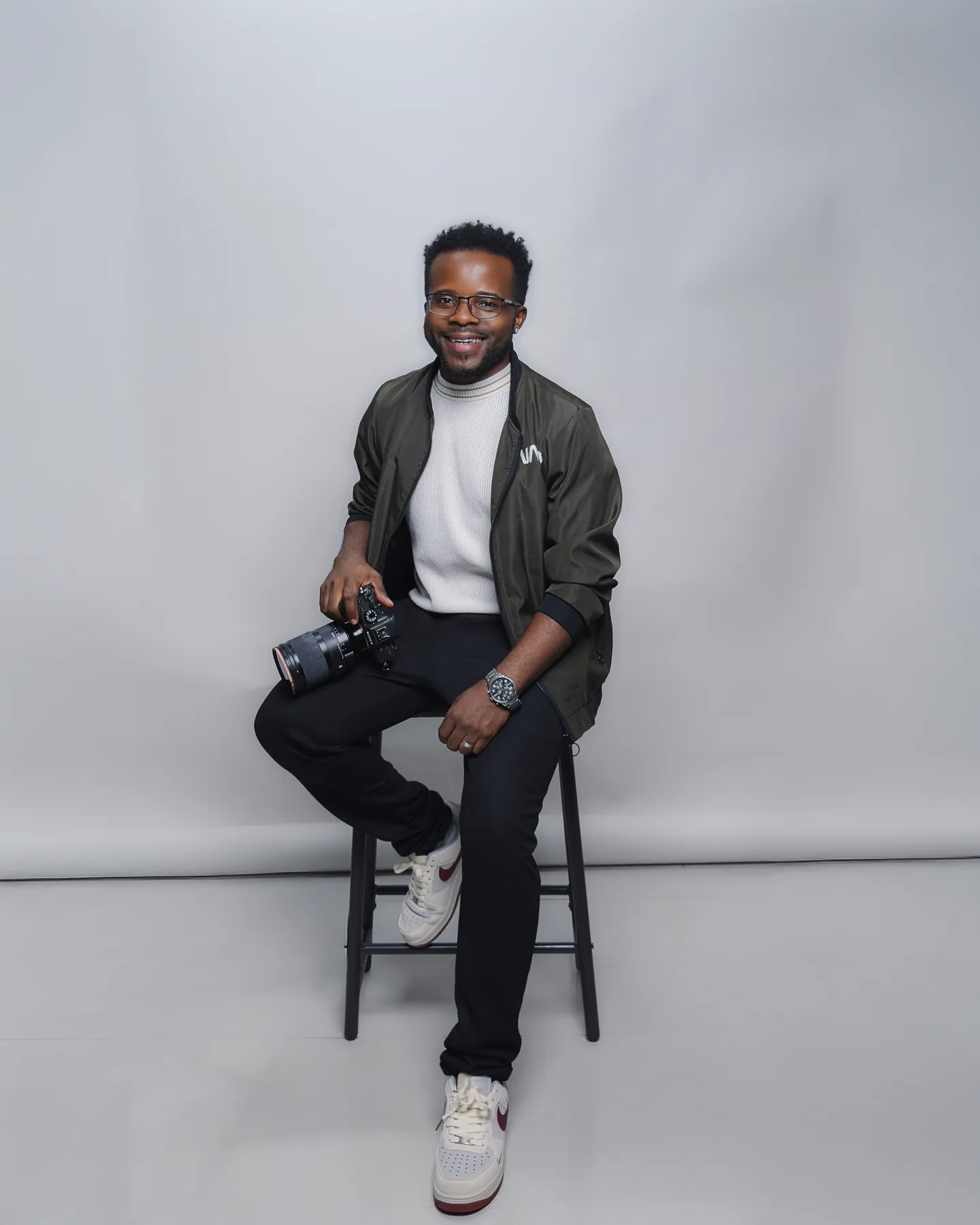
Eric Deine, photographer and visual-storytelling guide.
My role is to give you a simple process, focused guidance and room to develop work that still feels like yours.
You remain the creator. I’ll help you see the next choice and understand what to do with it.
SMALL ON PURPOSE
A small founding group, built with care.
I’m planning to begin with a founding group of up to 20 creators so I can listen carefully, give focused guidance and shape the community around what creators actually need.
Short learning. Guided practice. Focused feedback. One clear choice at a time.
Want me to tell you when the founding community is ready?
Tell me what you create with and where you want the most help.
This is an interest list, not enrollment. Nothing will be charged and no place is reserved. I’ll use your details to manage this list, understand what creators need and contact you about Scene to Story.
Questions before you join the list
Is Scene to Story already open?
Not yet. I’m preparing the founding experience. This page only records your interest.
Does joining the list reserve a place?
No. I’ll share the confirmed details first. You can decide then.
Do I need a professional camera?
No. You can create with a phone, a professional camera or both.
Is this unlimited private support?
No. I’m designing a small guided experience with clear support boundaries.
Your camera is enough to begin.
Join the list and I’ll tell you when the founding details are ready.
Join the founding interest list